ruleta
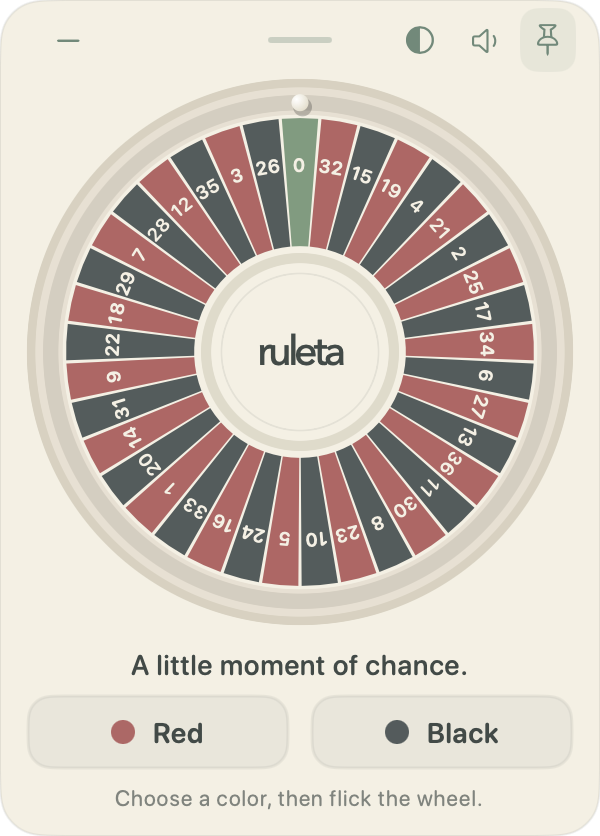
A small, floating roulette game for your desktop.
3-day free trial
No cash or prizes
Watch Ruleta in action.
Your browser could not play the video. Download the video
Pick. Flick. Play.
- 1
Pick a color.
Red or black.
- 2
Flick the wheel.
Drag and release.
- 3
See where it lands.
Play again whenever you like.
Good to know.
When can I get Ruleta?
Download Ruleta free. It includes a 3-day trial, then a one-time purchase of PLN 32.
Will it work on my Mac?
Apple silicon Macs running macOS 14 or later.
Is there real money involved?
No. Ruleta is play-only, with no paid spins or prizes.
Does it work offline?
The trial and a purchase need an internet connection to start. Play then works offline until that access expires. No account.
Is Ruleta available for Windows or Linux?
Windows and Linux builds are previews and still need native-system testing. The website purchase currently includes the Mac release only. More details (English)
Is this a subscription? What will I pay?
Ruleta is a one-time purchase: PLN 32 total, with no subscription or extra payment fee. Converted prices on the website are estimates; check the final amount and currency before paying.
How do I install Ruleta?
Open Ruleta.dmg, drag Ruleta into Applications, then open it from there. The Mac installer is signed and notarized by Apple. More details (English)
How do I play a round?
Choose red or black, then drag the wheel and release. Make a new choice each round. Green 0 loses for both colors. More details (English)
Can I turn the sound down or off?
Yes. Click the speaker beside the pin to mute or unmute. Hover over it to open the volume slider. More details (English)
Where is Ruleta after I hide it?
On Mac, click the Ruleta menu-bar icon and choose Show Ruleta. The app does not appear in the Dock. Choose Quit Ruleta from the same menu to exit. More details (English)
How do I download my purchase again?
Download Ruleta any time from the website. After payment we email a license key that unlocks one Mac. Keep that email. If it does not arrive, check spam or email michal.kus.dev@gmail.com with your receipt or payment reference. Do not send card details. More details (English)
Where can I get help or see what is new?
Read the installation and controls guides, check the release notes, or email michal.kus.dev@gmail.com for help and feedback. More details (English)